Settings
Age of Empires IV Settings: See the Map, Spend Less Time Clicking
Copying a champion's entire hotkey file will not make you one. But a few Age of Empires IV settings reliably improve map awareness, production speed, and fight control. Here is what is worth stealing for ranked play.
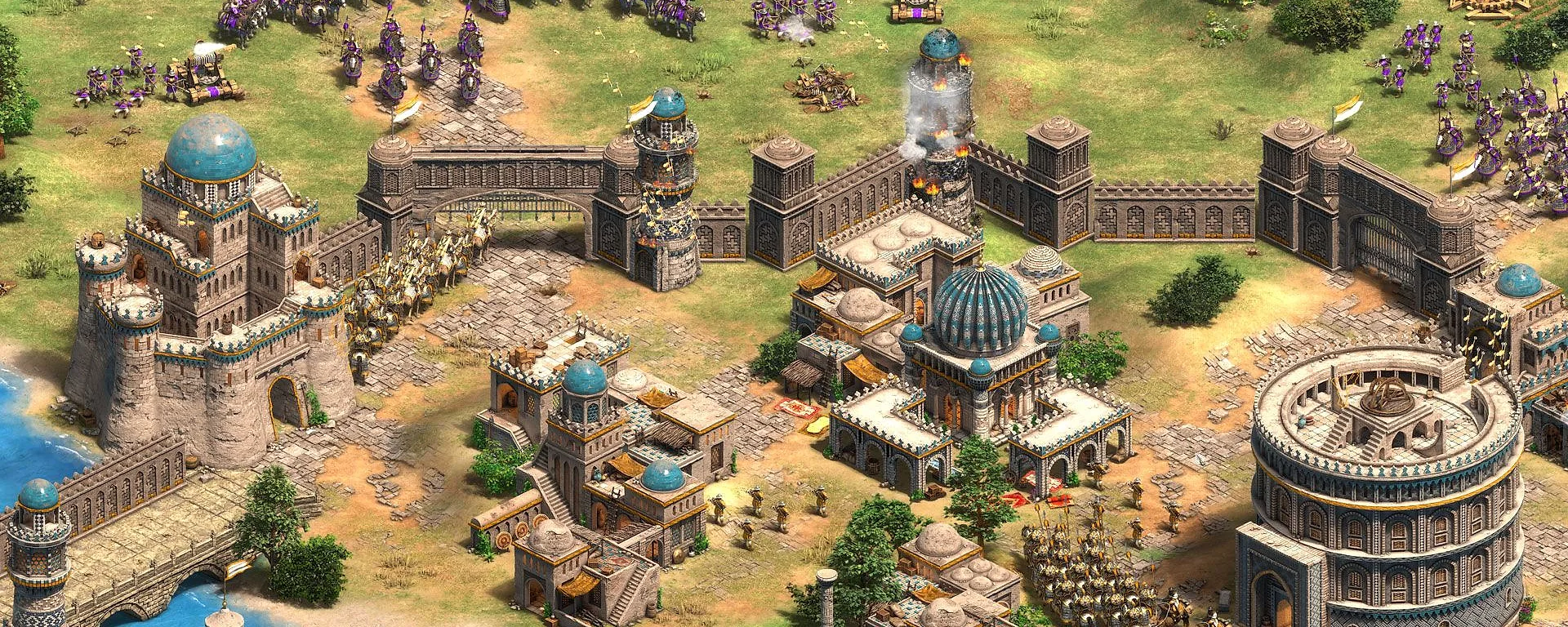
Performance and readability before fancy tweaks
If your frame rate collapses during large team fights, no hotkey tip will save you. Prioritize stable FPS and a readable minimap over maximum graphics. Many strong players reduce clutter so unit silhouettes and siege lines stay obvious in castle-age battles.
Test changes in skirmish or unranked before locking them for ladder. Your eyes adapt in a few sessions — give settings that long before declaring them useless.
Control groups, camera, and production keys
Pick consistent groups for scouts, army, and town centers and keep them for at least a week. Constantly rewriting bindings after every loss trains nothing. Warm up with the routine in our warmup guide so your hands match the layout.
If you later add combat assistance, match in-game sensitivity and camera speed first, then tune overlays in the aimbot guide. Tools on top of chaotic camera habits feel awkward and obvious.
Audio and map awareness cues
Battle sounds, age-up notifications, and siege fire often matter more than a tiny brightness slider. Use headphones, keep voice chat from drowning game audio, and glance at the minimap every few seconds like it is part of your build order.
Settings are leverage, not a substitute for scouting. Pair them with map knowledge from our economy guide and map intel page so you know what those cues mean.